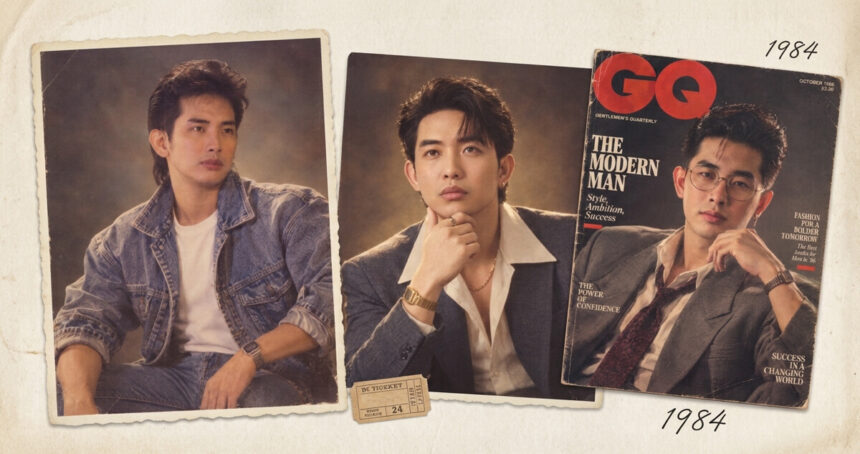
While scrolling through Instagram today, it may feel like everyone has suddenly been transported back to the 1980s. Big hair, colourful outfits, disco lighting and grainy film effects are filling Stories and Reels, with users turning their current photos into realistic-looking throwback portraits using ChatGPT.
The viral Instagram 80s photo trend has users asking AI to recreate their photographs as if they were taken decades ago. Instead of simply adding a vintage filter, the trend changes several parts of the image, including the hair, clothes, background, lighting and film texture, while keeping the person’s recognisable facial features and natural skin tone intact.
The result can look like a photo from an old family album, a Bollywood studio portrait, a wedding collection or a retro magazine shoot. Instagram’s “Add Yours” sticker has also helped users share their own versions and invite others to join the trend.
For anyone curious about trying the look, the process is simple. Users can upload a photo to ChatGPT and use a prompt that describes the type of 1980s photo they want to create.
What Is the Instagram ChatGPT ’80s Photo Trend?
The Instagram ChatGPT ’80s photo trend is a way of using AI to turn a modern photograph into an image inspired by the 1980s.
Users upload their latest picture and ask ChatGPT to recreate it with an 80s look. The person’s unique features and skin colour can remain the same, while the rest of the image gets a retro makeover.
This can include the hairstyle, clothing, setting, lighting, accessories and film grain.
The idea is different from simply putting a vintage filter over a photo. Instead, the AI recreates the image with details that make it look as if it came from the 1980s.
Users can also choose the type of 80s photo they want. Some prompts focus on Bollywood styling, while others create the look of a family album, wedding photograph, college picture, street photo, magazine cover or disco portrait.
How the Instagram 80s Photo Trend Works
The process starts with a photograph. Users upload the image to ChatGPT and describe how they want it to look.
A prompt can tell the AI to keep the person’s facial features and natural skin tone while changing other parts of the image. Users can also describe the clothing, hairstyle, background, lighting and overall mood.
The more specific the prompt, the more clearly the desired look can be described.
One person may want a glamorous Bollywood studio portrait. Another may prefer an everyday family album photograph with faded colours and visible film grain.
The trend also gives users the option to explore different versions of the same photograph.
Instagram’s “Add Yours” Sticker Helps Spread the Trend
The trend has become popular on Instagram Stories through the “Add Yours” sticker.
The feature allows users to share their AI-generated 80s photos and encourage others to participate. This creates a simple way for people to see different versions of the same trend and make their own.
The format has also spread to TikTok. Users are not limited to ChatGPT either, as Gemini is also being used to create similar 80s-style portraits.
Why the AI Photos Look Like Old Pictures
The 80s photo trend works by changing several visual details at the same time.
Instead of only adding grain or faded colours, the prompts can ask AI to change the person’s clothing, hairstyle, accessories, background and lighting.
The prompts can also ask for soft focus, analogue film grain, warm lighting and slightly faded colours. These details help create the look of an older printed photograph.
Many of the shared results also use Bollywood styling, family album ideas and 1980s film-inspired looks instead of following only a general Western retro style.
10 ChatGPT Prompts to Try for 1980s Photos
The trend has inspired prompts for different 1980s settings and styles. These include classic portraits, Bollywood looks, family albums, college photos, weddings, magazines, arcades, vacations and television studio portraits.
Readers can copy the prompts below and use them with their own uploaded photographs.
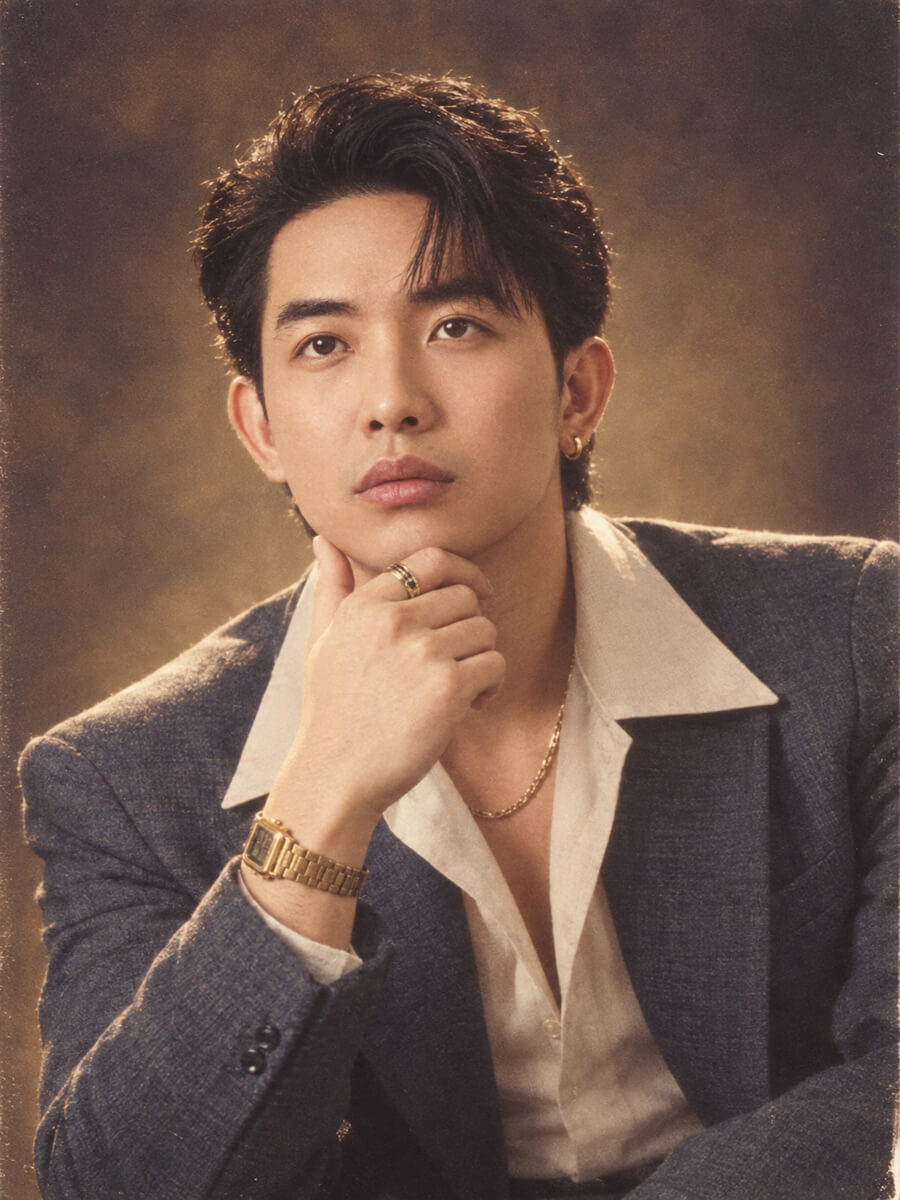
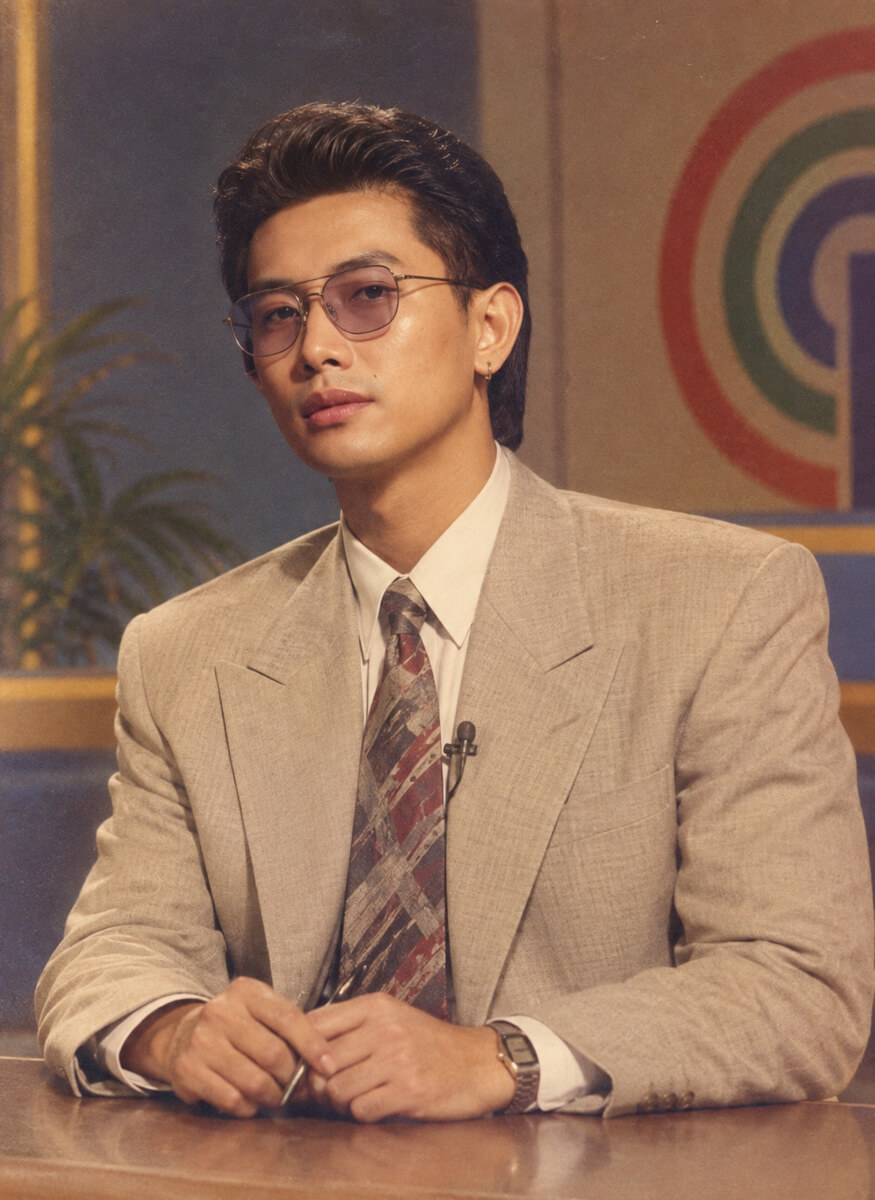
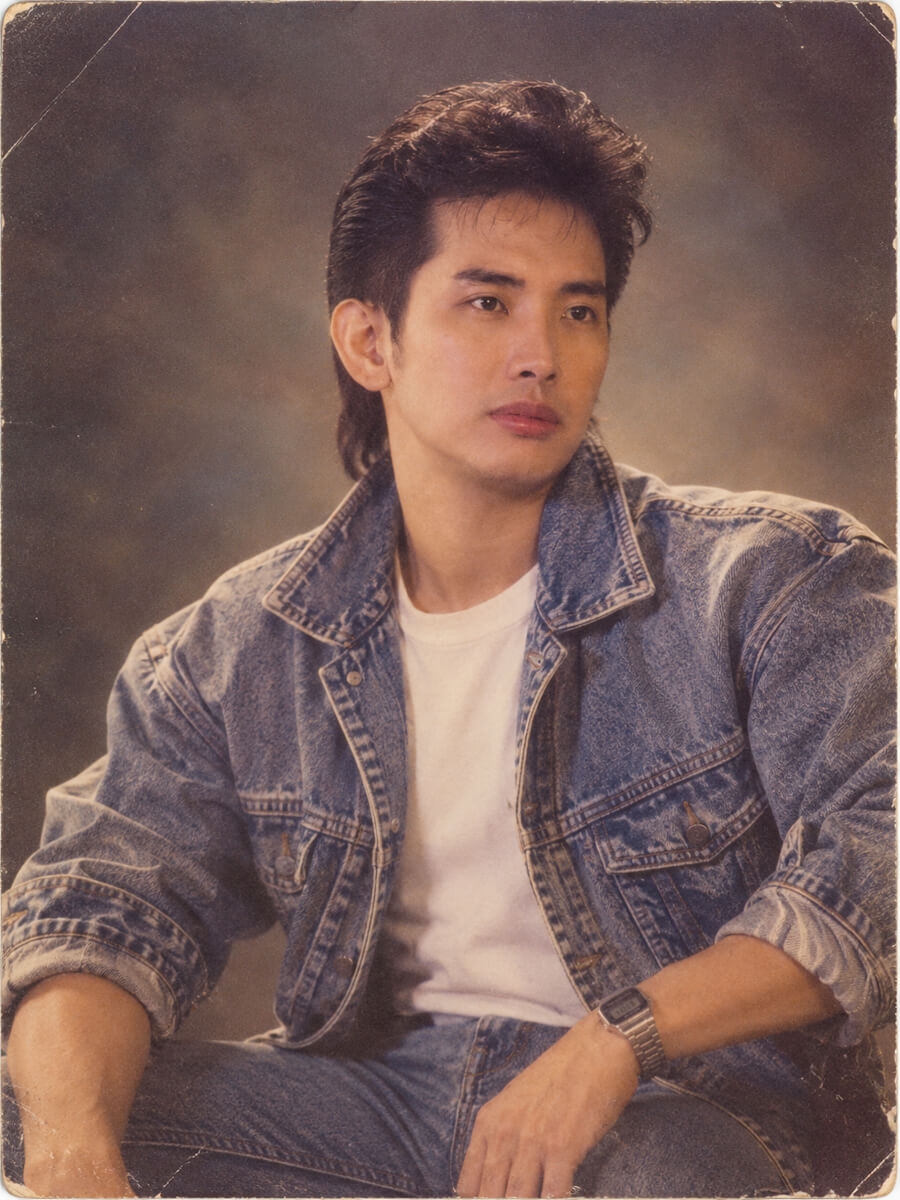
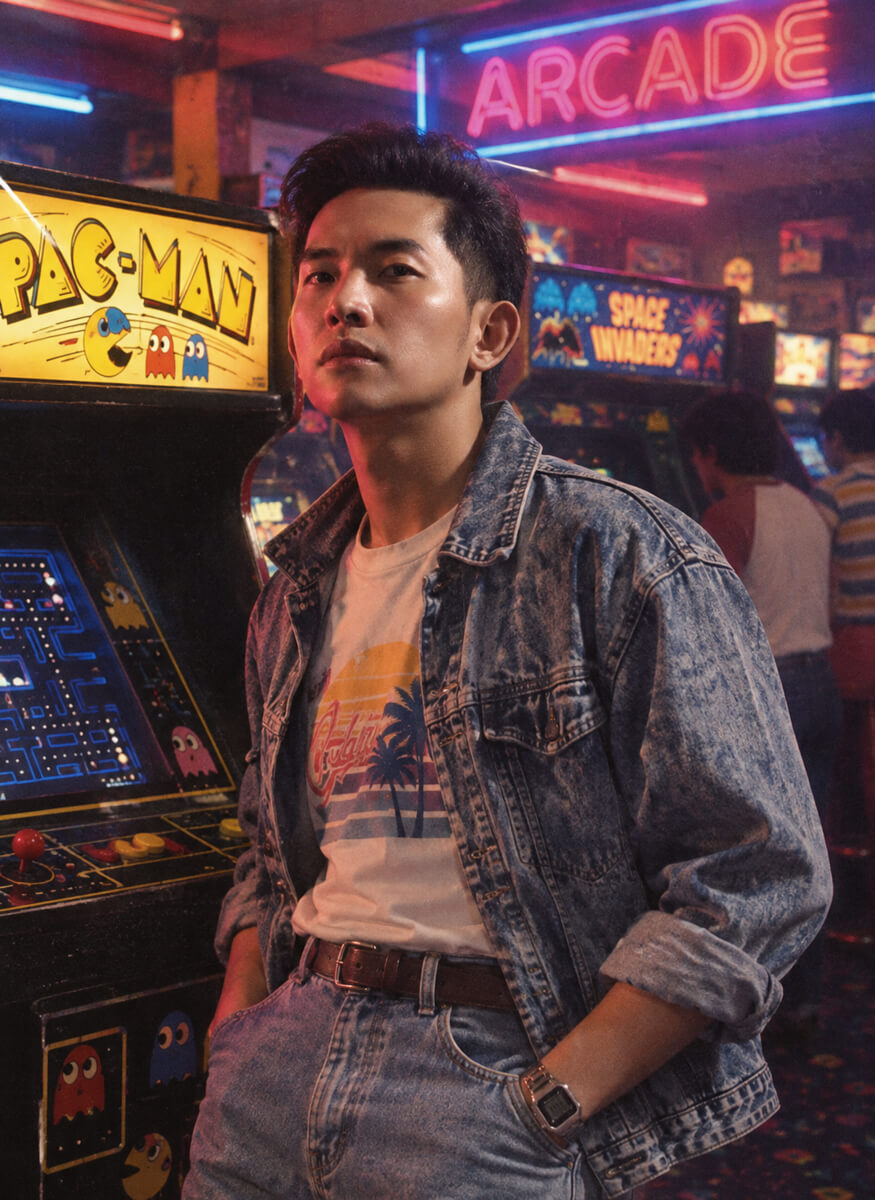
Classic ’80s Portrait
“Transform my uploaded photo into a realistic 1980s studio portrait. Keep my facial features and identity recognisable. Give me an authentic 1980s hairstyle and outfit, with soft studio lighting, slightly faded coluors, subtle analogue film grain and the natural imperfections of an old printed photograph.”
Retro Hollywood Look
“Recreate my uploaded photo as an Hollywood portrait from the 1980s. Keep my face recognisable and natural. Add period-appropriate clothing, hairstyle, jewellery and warm studio lighting. Use soft focus, analogue film grain and slightly faded colours to make it look like a real photograph from that era.”
80s Family Album
“Turn this photograph into a genuine 1980s family album picture. Keep my identity and facial features unchanged. Add period-appropriate clothes and hairstyle, a simple home setting, natural lighting, faded colours, mild film grain and the slightly imperfect texture of an old printed photograph.”
’80s College Student
“Reimagine me as a college student in India in the 1980s. Preserve my face and identity. Give me period-appropriate casual clothes, hairstyle and accessories, with a vintage college campus in the background. Make it look like a candid photograph captured on an analogue film camera.”
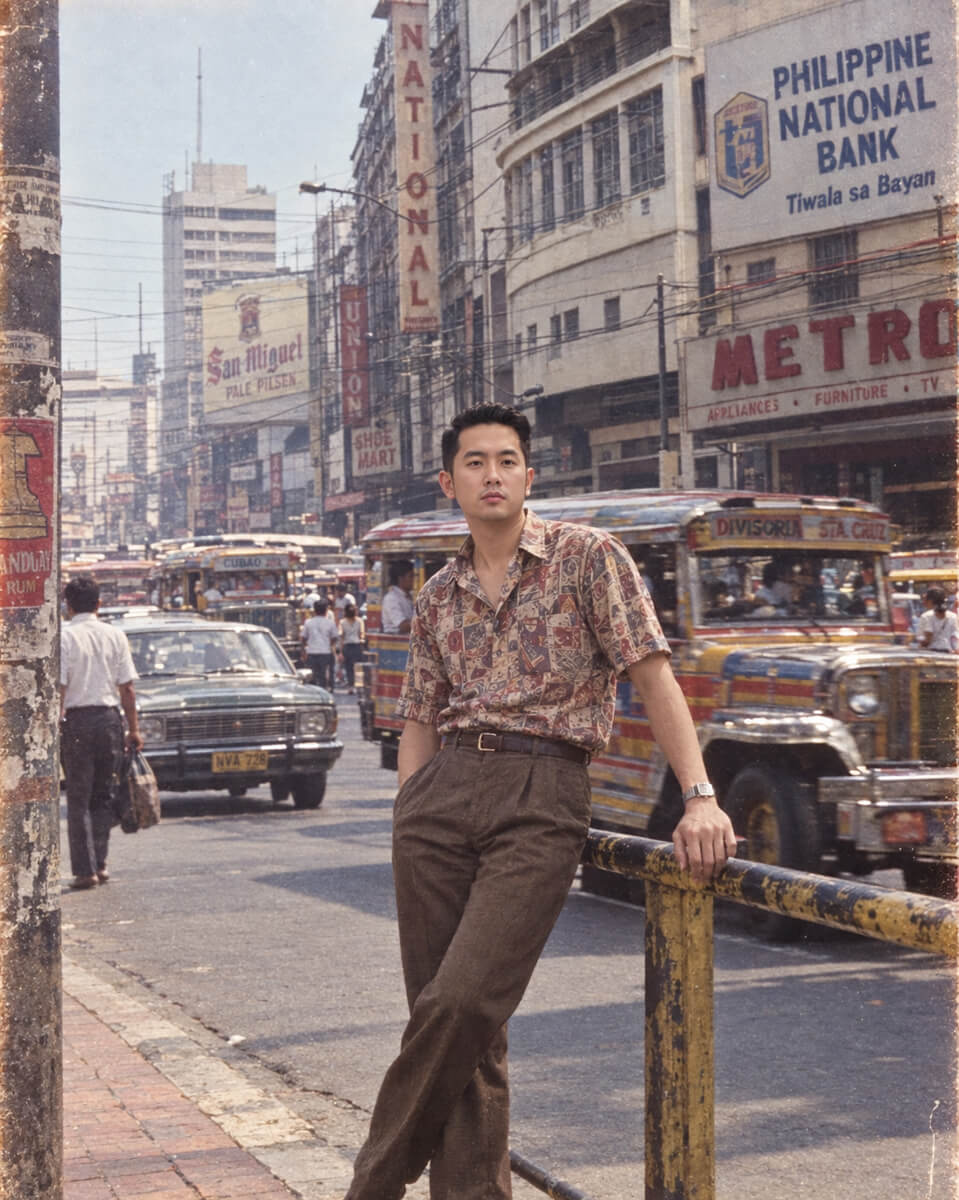
Retro Street Photograph
“Transform my photo into an authentic 1980s street photograph in India. Keep my facial features recognisable and change the clothing and surroundings to match the decade. Add old cars, shop signs and period-appropriate architecture in the background, with natural lighting, film grain and slightly faded colours.”
80s Wedding Photo
“Turn my uploaded photograph into a traditional wedding photograph from the 1980s. Keep my face and identity recognisable. Add period-appropriate traditional clothing, jewellery and hairstyle, along with a simple wedding backdrop, warm lighting and the grainy texture of an old wedding album.”
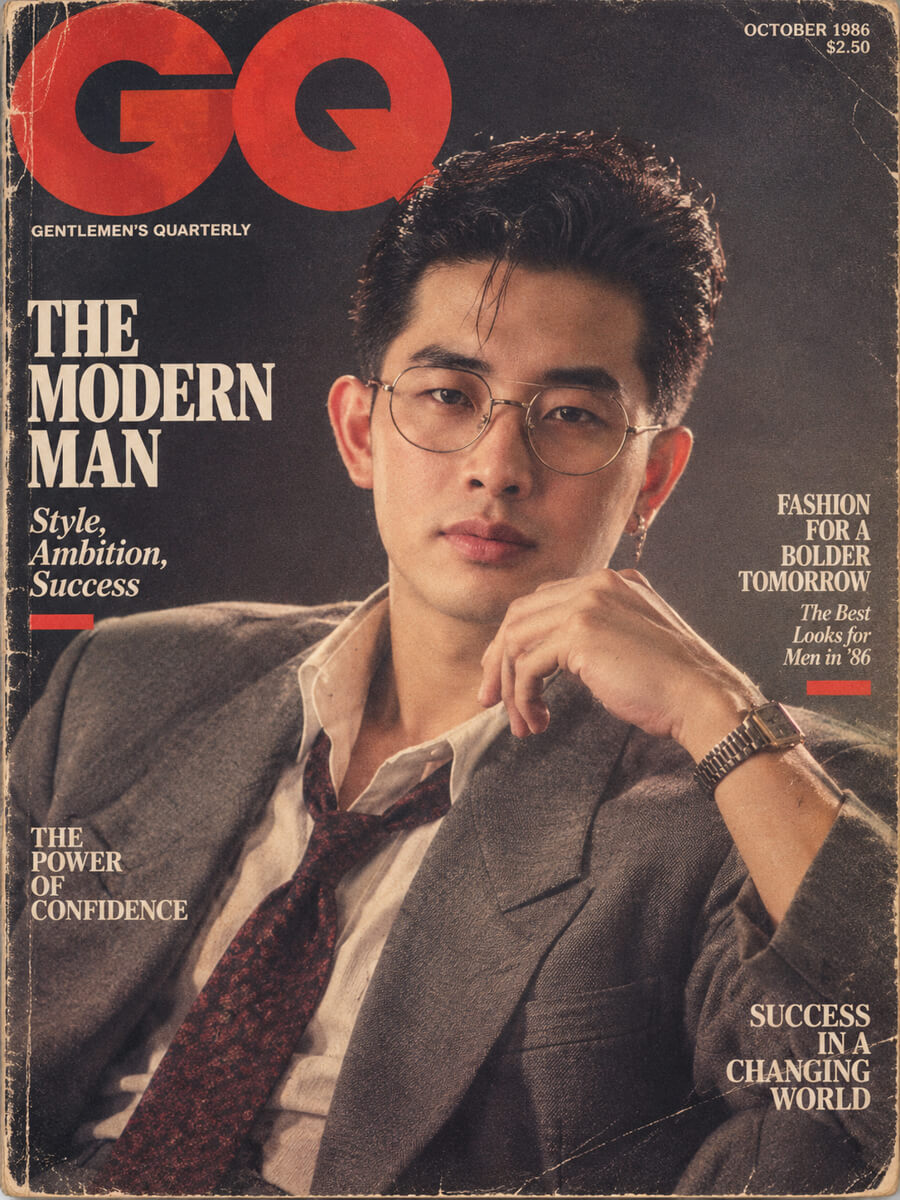
Retro Magazine Cover
“Recreate my photograph as an authentic 1980s GQ magazine cover portrait. Keep my face recognisable while adding period fashion, hairstyle and accessories. Use dramatic studio lighting, slightly faded analogue colours and realistic film grain. Make it look like a real printed magazine photograph from the decade.”
80s Arcade Look
“Place me in a colourful 1980s arcade while keeping my facial features and identity unchanged. Give me authentic 1980s clothing and hairstyle. Add vintage arcade machines, neon lights and a candid film-camera aesthetic with realistic grain and soft colours.”
80s Vacation Photo
“Transform my uploaded photo into a casual holiday photograph from the 1980s. Preserve my identity and natural facial features. Add period-appropriate clothes, an old tourist location, vintage cars and realistic analogue film texture. Make it look like an ordinary family vacation photo rather than an AI-generated image.”
Old School TV Era Look
“Reimagine my photo as a realistic Philippine broadcast studio portrait from the late 1980s. Keep my face recognizable and natural. Use period-appropriate classic Filipino attire and 80s hairstyle, a simple TV studio backdrop, warm studio lighting, slightly muted analog colors, and vintage film grain. Make it look like an authentic vintage photograph from classic 1980s Manila television.”
From Modern Photos to 1980s Throwbacks
The Instagram 80s photo trend gives users a simple way to turn modern photographs into images inspired by the 1980s.
The trend goes beyond adding a vintage filter. Users can change hairstyles, clothing, backgrounds, lighting and photographic texture while keeping their recognisable features.
Instagram Stories and the “Add Yours” sticker have helped the format spread, while TikTok has also adopted the trend. ChatGPT is one of the tools being used to create the images, with Gemini also being used for similar portraits.
For anyone wanting to try the trend, the 10 prompts above offer different ways to recreate a modern photograph with an 80s-inspired look. From Bollywood and family albums to weddings, vacations and retro magazine portraits, each prompt gives the AI a specific direction for transforming the image.